Step counter · iPhone & Apple Watch
Your steps.
Nothing else.
Walkki reads your step count from Apple Health and shows it clearly. No account, no cloud, no tracking.
What it does
Small on purpose.
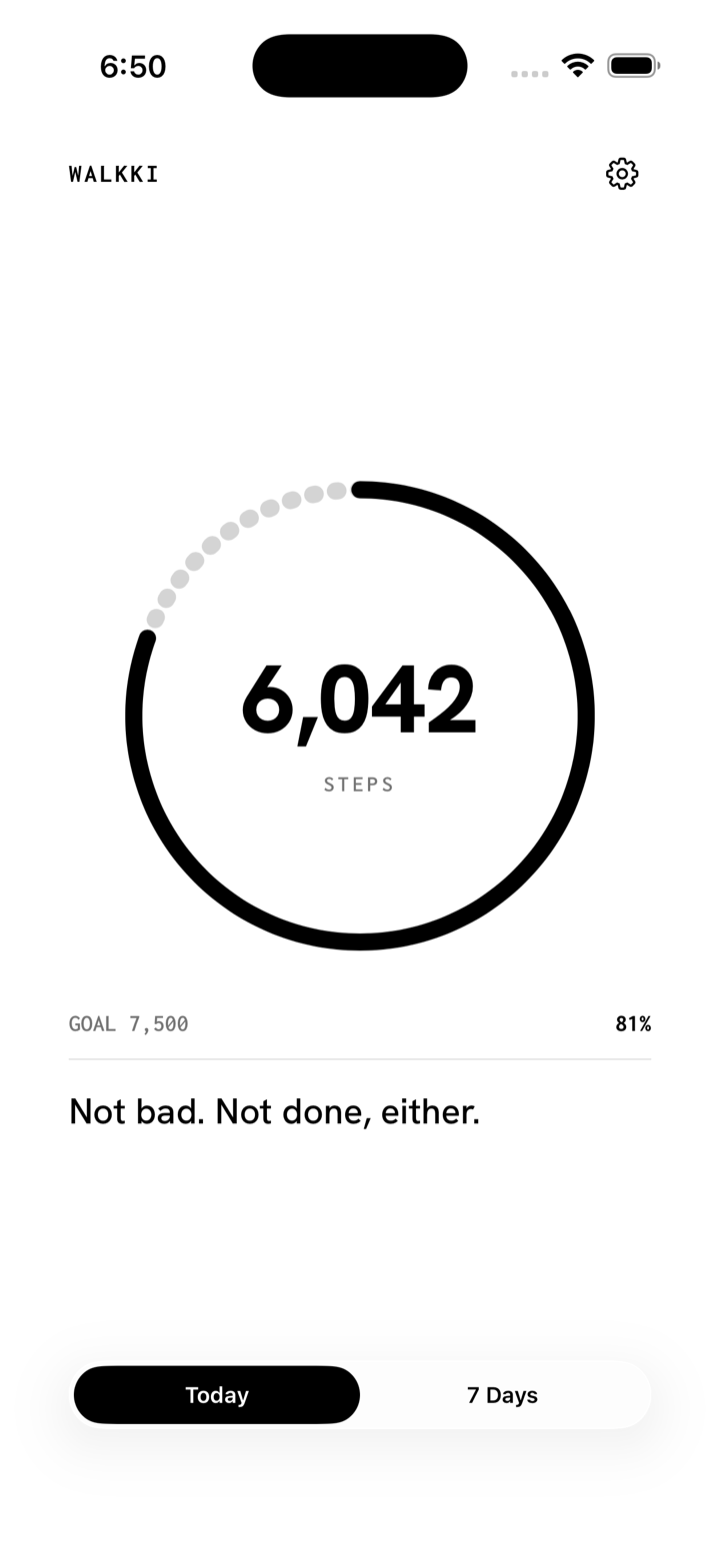
Today
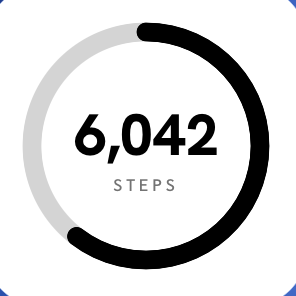
A single ring for today's steps against your daily goal, and a line to keep you moving.
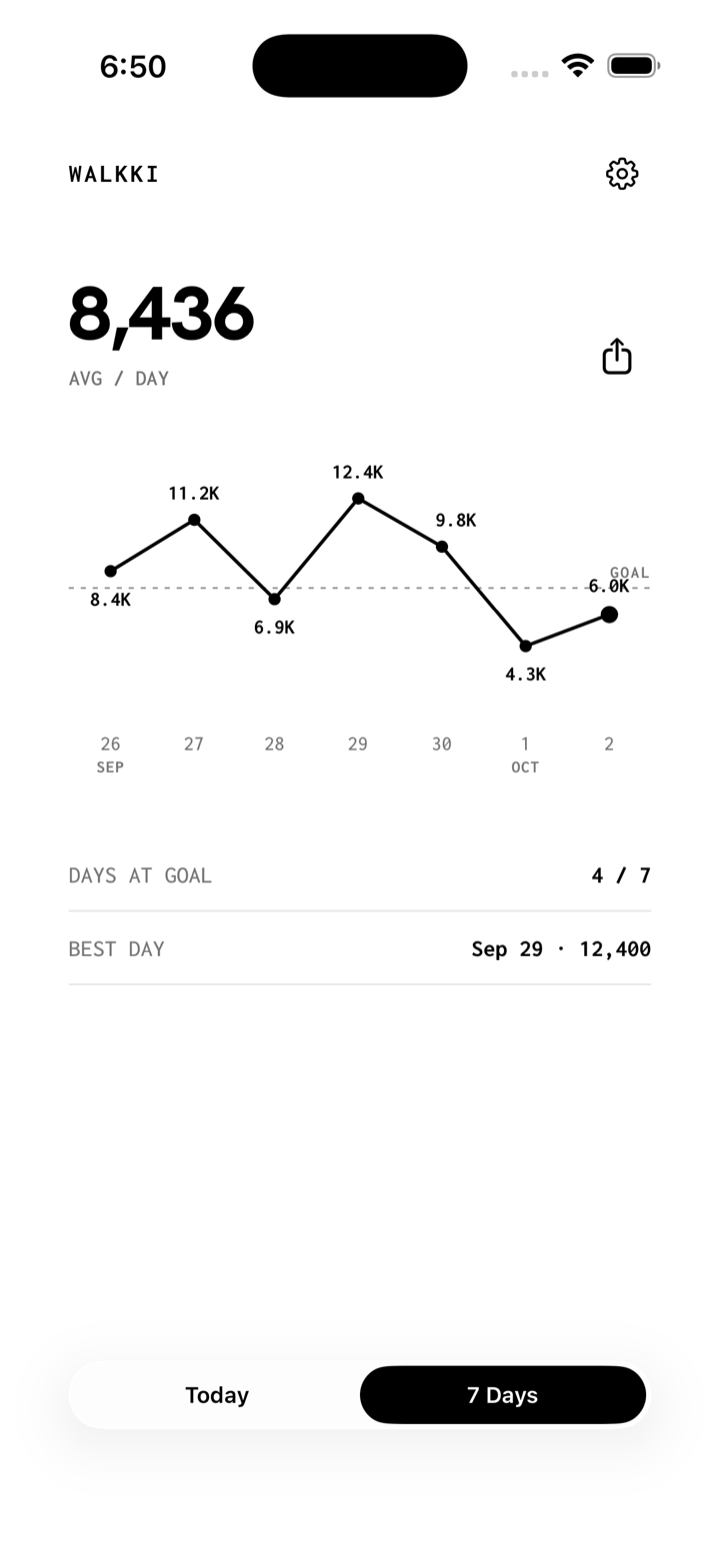
7 Days
Your last seven days on one chart, with your goal line, your average, and your best day.
Share
Tap the share icon to copy your week as an image, ready to paste anywhere.
Reminders
An optional nudge at 5pm if you're under half your goal, and a summary at 8pm.
Apple Watch
The same ring on your wrist. Tap it to see the day's quote.
Private
Walkki only reads from Apple Health. Nothing is uploaded and nothing leaves your phone.
Widgets
Keep the ring on your Home Screen or Lock Screen. Tap the Home Screen widget to refresh it.
Support
Need a hand?
Questions, bugs, or ideas — send an email and you'll get a reply from the Theprahok Inc. team.
Email support visalbotr@gmail.comWalkki shows no steps.
Walkki needs permission to read Steps from Apple Health. Open the Health app, tap your profile picture, then Apps, then Walkki, and turn on Steps.
My count is different from another app.
Walkki shows the total Apple Health has for today, which combines your iPhone and Apple Watch. Apps that count only the iPhone's own steps can show a lower number.
The widget is behind.
iOS decides how often widgets refresh, so the count can lag. Tap the Home Screen widget to refresh it right away. While your phone is locked, Health data can't be read, so the Lock Screen widget shows the last count it saw.
I'm not getting reminders.
Check that notifications are on for Walkki in the Settings app, and that Bug me or Daily summary is on in Walkki's settings. The 5pm nudge only arrives if you're under half your goal.
How do I change my goal?
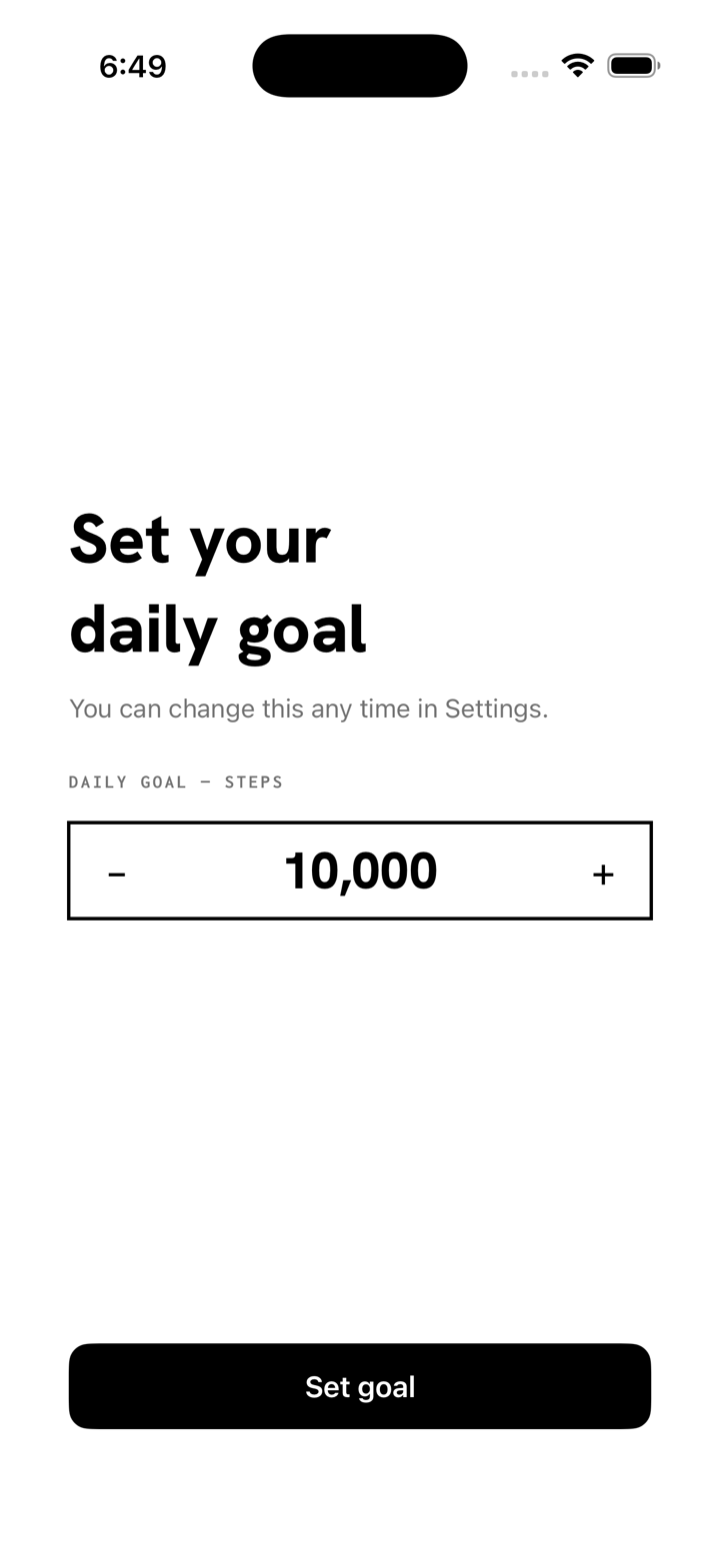
Tap the gear in the top corner, then Daily goal. Your Apple Watch picks up the new goal automatically.
Does Walkki collect my data?
No. There is no account and no server. Read the privacy policy.